![LogoInfluencity_Negative.png]](https://knowledge.influencity.com/hs-fs/hubfs/LogoInfluencity_Negative.png?height=40&name=LogoInfluencity_Negative.png)
Why use automated tracking?
Manual content monitoring is slow and prone to error. Our automated tracking system provides real-time visibility into your ROI by linking recruitment and performance data.
Key Value Highlights
- Influencer-Specific Accountability: Instead of general campaign stats, get detailed data for every individual creator.
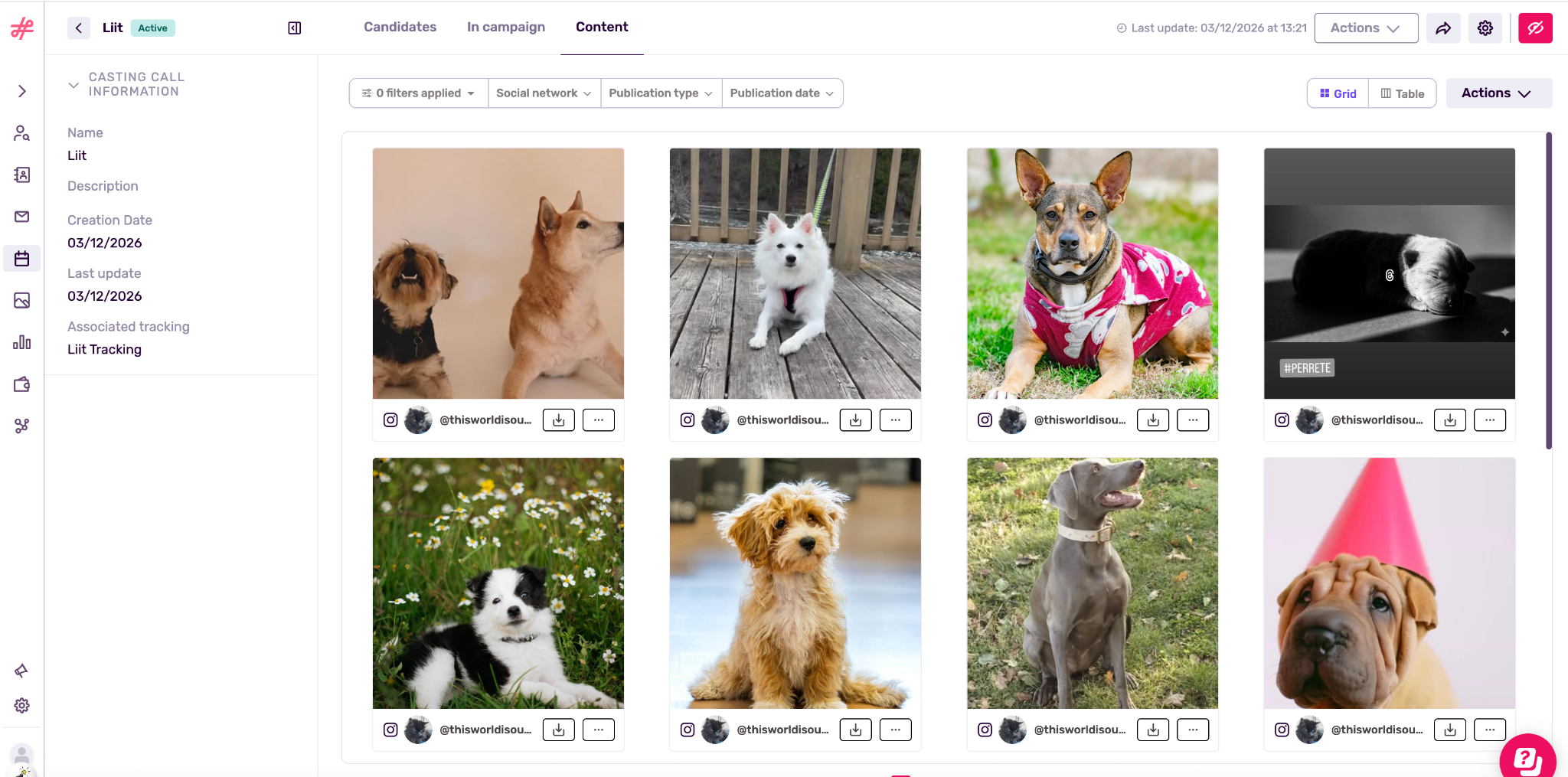
- Automatic Content Library: Every post detected by the tracking system is automatically saved to both, the Content Library tab within Content and the Content tab within your campaign, ready for download or repurposing.
- Cross-Platform Integration: Monitor TikTok, YouTube, and Instagram content through a single dashboard without switching between apps.
Quick Overview of the Tracking Setup
You’ll need to follow these steps to ensure your influencer content is being tracked correctly from a Casting Call.
Step 1: Define Your Keywords
Before launching, identify the specific brand mentions, or hashtags that influencers must use in their posts. The system will use these as the "trigger" to pull content into your campaign report.
Note: You can have a maximum of 5 mentions and 5 hashtags in order for the system to allow you to track profiles.
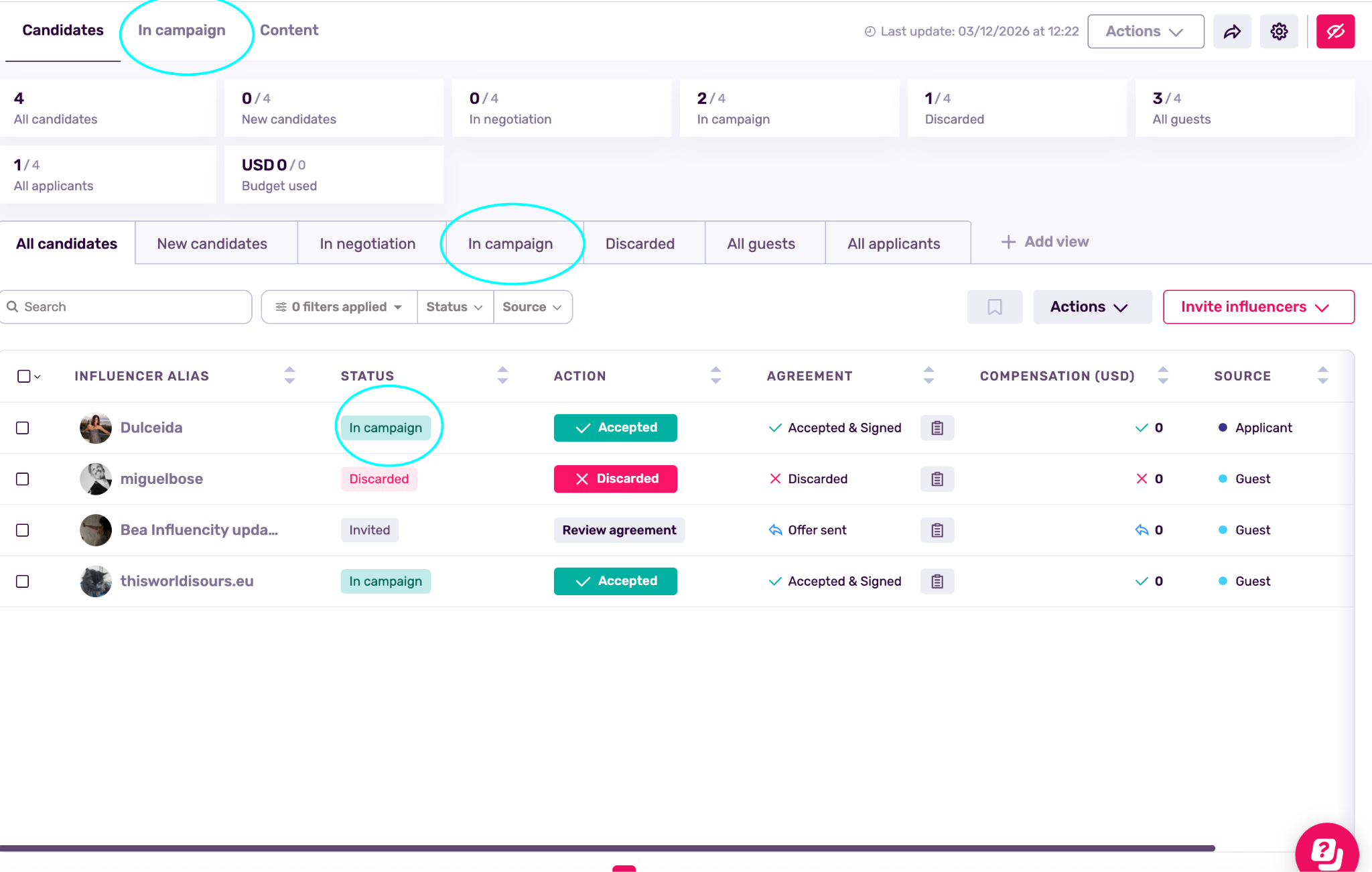
Step 2: Confirm Candidates to See Them as In Campaign
Ensure that the influencers you have selected in your Casting Call appear in the "In Campaign" stage. Tracking only begins once the system recognizes the connection between the casting selection and the active campaign tracking.
Step 3: Monitor the "In Campaign" Tab
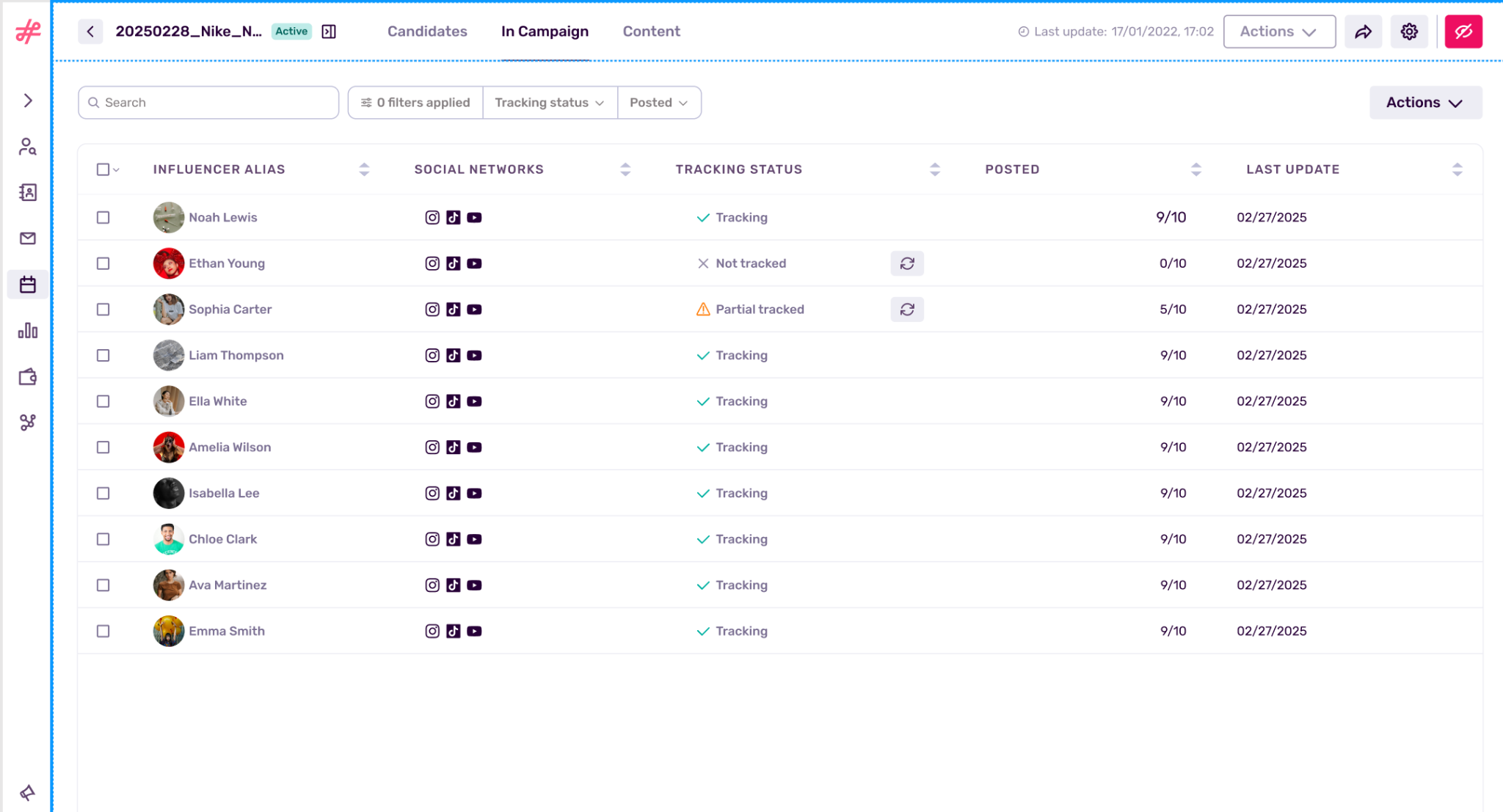
Visit the campaign dashboard to view the status of each influencer. The system will categorize them based on their activity:
- Tracking: The system is currently monitoring the influencer's profile for the specified mentions and hashtags.
- Partial Tracking: Partial tracking implies that not all of the socials from a profile are being tracked, maybe because one of them is paused for example. Yet, we could force the social not being tracked manually.
- Not tracking: Content is not being tracked for different reasons.
Note: For more in depth information on how Campaign Tracking works and how to set it up read this article.
Maximizing Efficiency
One-Click Reporting
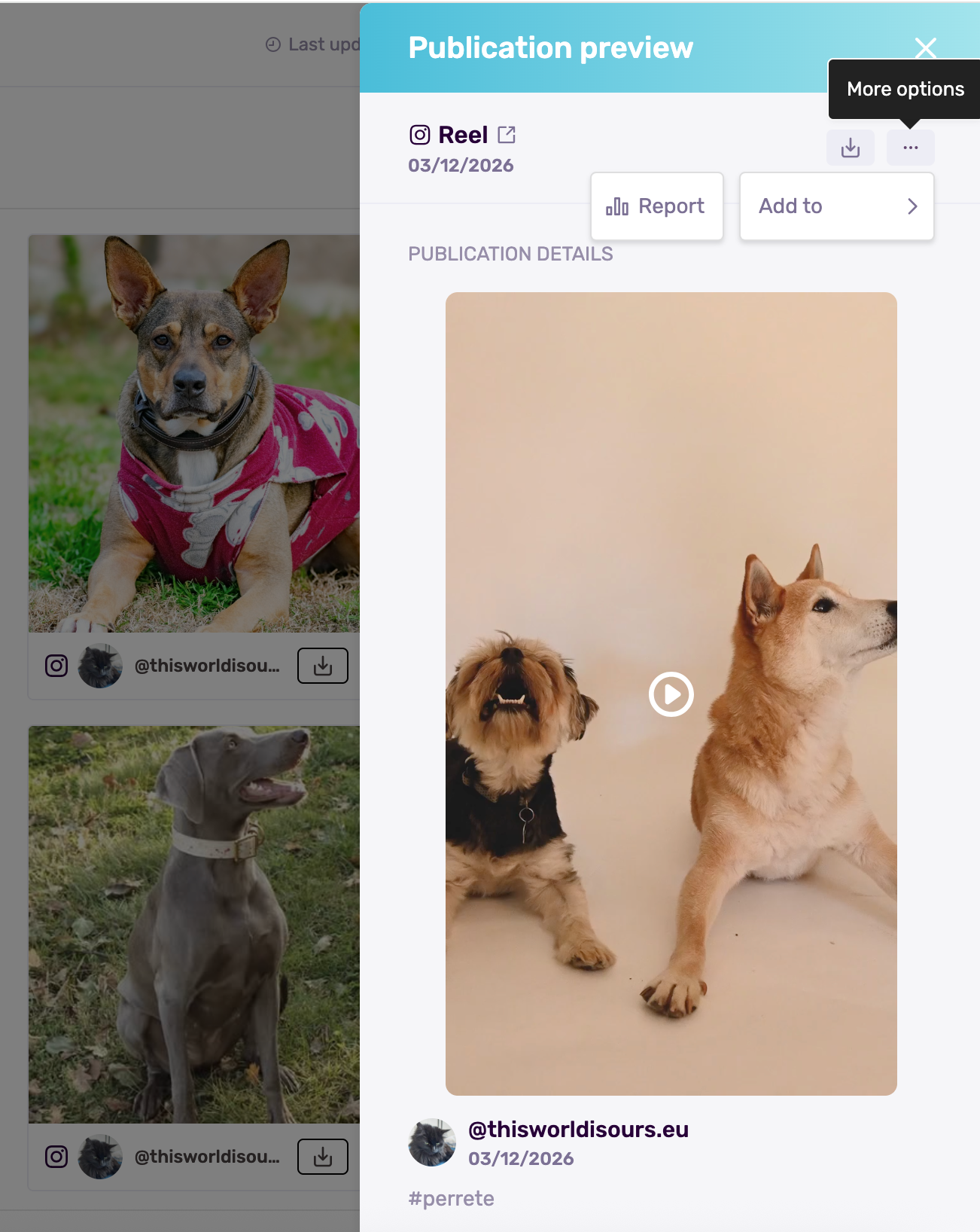
Once tracking is complete, you can add influencers and their captured content directly into your final Reporting with a single click.
Note: Ensure influencers use the exact keywords defined in your setup. The system relies on these triggers to log sessions.
Proactive Monitoring
Because the system tracks progress against negotiated deliverables, you can quickly identify influencers who are behind schedule before the campaign ends.