![LogoInfluencity_Negative.png]](https://knowledge.influencity.com/hs-fs/hubfs/LogoInfluencity_Negative.png?height=40&name=LogoInfluencity_Negative.png)
When you enroll influencers in an email sequence, you can track their progress through four distinct statuses in the Sequences dashboard.
Understanding these states helps you monitor campaign health and know when to intervene.
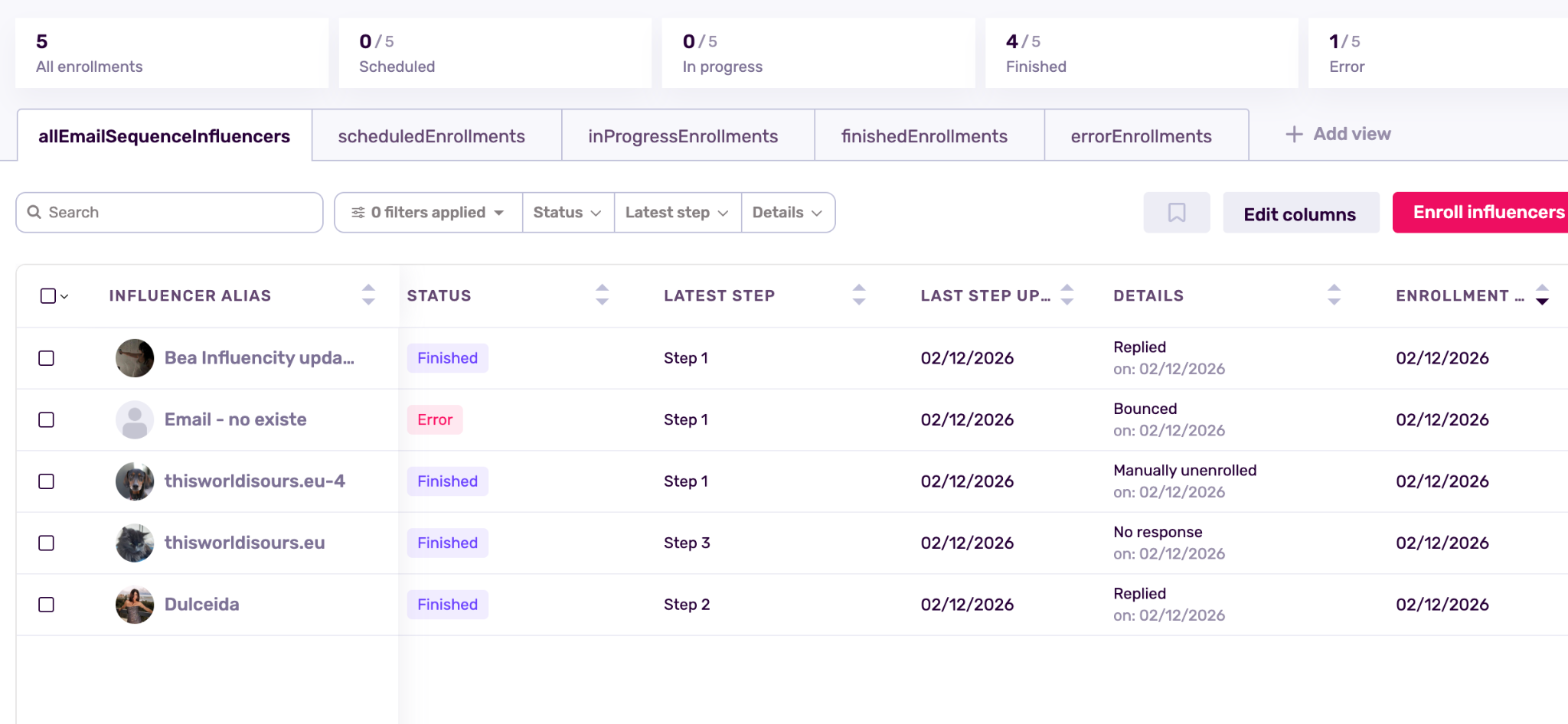
Scheduled
The influencer has been successfully added to the sequence, but no emails have been sent yet.
What's Happening: The system is waiting for the initial "Time to Wait" delay to pass. For example, if your first email is set to send "1 hour" after enrollment, the status will show as Programmed during that hour.
Action Required: None. The system will automatically move them to the next stage once the timer completes.
In Progress
The sequence is live and running for this influencer.
What's Happening: The influencer has received at least one email and is currently waiting for the next step in the series.
Note: If a sequence only has one email, the influencer will skip this stage and go directly to Finished immediately after sending, as there are no further steps to complete.
Finished (Completed)
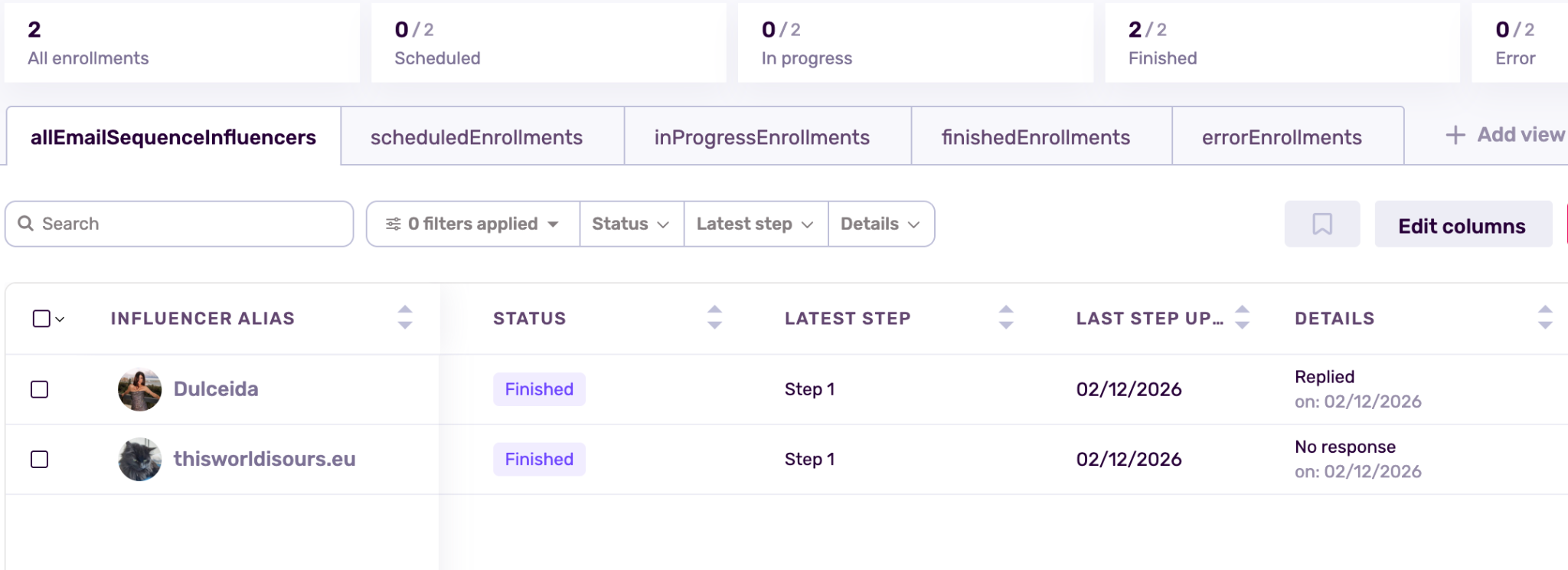
The influencer has exited the sequence and will receive no further automated emails.
-
- Completion: They received all the emails in the sequence (e.g., all 3 emails were sent).
- Response: They replied to one of your emails. The system detects the reply and automatically stops the sequence to prevent awkward automated follow-ups.
- Manual Stop: You manually selected the influencer and clicked "Unenroll" or "Stop."
- Spam box: If an influencer marks your emails as spam, they’ll automatically be seen as finished
Error (Failed)
The email could not be delivered.
What's Happening: This usually indicates a delivery issue, such as a "bounced" email (the address doesn't exist or the inbox is full). It could also mean that your email integration got logged off for some reason, which immediately un-enrolls influencers from the ongoing sequence. To solve this, you’d need to reconnect your email, un-enroll them from the running sequence and then you’ll be able to re-enroll the influencers to it.
Action Required: Check the influencer's email address in their profile. If it's incorrect, update it in the IRM.
Note that updating the email does not automatically restart the sequence; you will need to manually re-enroll them if you wish to try again.